SDF and Molecule Collections
Burette opens molecular libraries in an RDKit-backed grid. The collection surface supports SDF/SD, SMI/SMILES, CSV, and TSV; an SDF can also be opened as a single 3D structure when that is the more useful view.
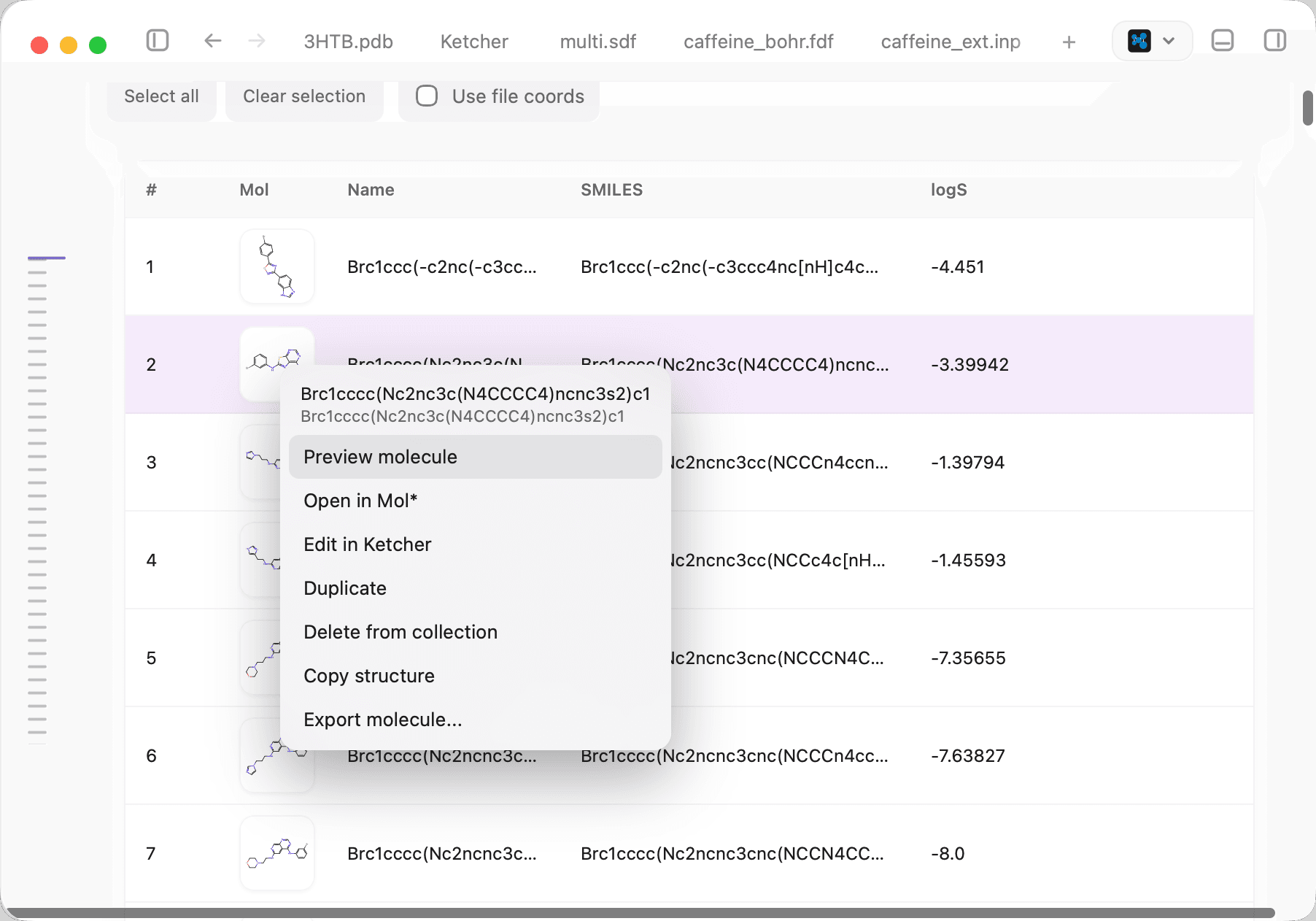
The checked-in Burette screenshot shows the real collection surface. Controls vary with the source format and available local renderers.
Find and inspect molecules
- Search names, SMILES, and metadata values.
- Enter SMARTS on structure-aware collections to filter and highlight substructure matches.
- Sort by the original index or available collection fields.
- Switch between cards and a table, and choose visible table columns.
- Select all visible molecules or clear the current selection.
- Open selected molecules in Mol*; send a supported selected molecule to Ketcher.
- Open the molecule detail view to inspect source properties, calculated descriptors, or JSON data when available.
Large collections use incremental loading and windowed rendering. Scrolling loads more records without requiring every card or table row to stay mounted at once.
Edit and export
The collection header exposes the actions supported by the current document:
| Action | Result |
|---|---|
| Copy selected | Copies the selected molecule records. |
| Save | Writes supported edits back to the current collection after the grid becomes dirty. |
| Save As… | Saves the current grid as a new collection file. |
| Undo | Reverts the latest supported grid edit. |
| Export SMILES | Exports the currently visible molecule set as SMILES. |
| Export CSV | Exports the visible table data as CSV. |
Ketcher can create a new collection record or update a compatible row. The grid can use RDKit cards and, when the optional executable is available for the records, xyzrender cards with a selected rendering preset.
Append versus merge
Drop data onto an open grid to extend it:
- Append to grid accepts compatible inline records and collection payloads.
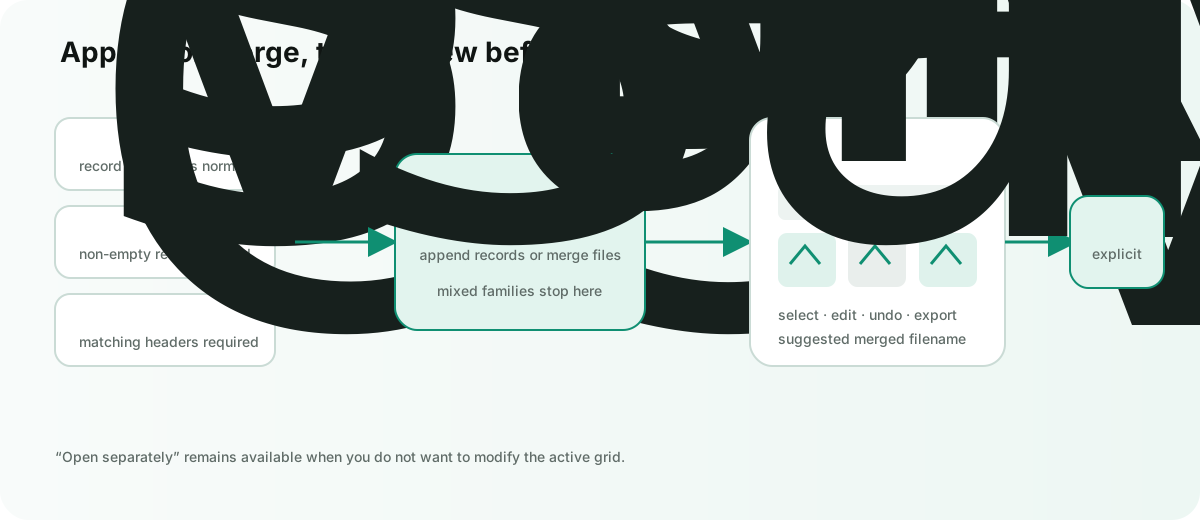
- Merge molecule collections combines complete files of the same family.
- Open separately keeps the dropped source independent.
Merge is intentionally strict:
- SDF and SD belong to one family; records are normalized with
$$$$separators. - SMI and SMILES belong to one family; non-empty lines are joined.
- CSV files merge only with CSV, and every file must use the same header names in the same order.
- TSV files merge only with TSV using the same strict header rule.
- Mixing SDF, SMILES, CSV, and TSV families is rejected rather than guessed.
- A payload containing an unsupported file is rejected as a whole; Burette does not silently drop the unsupported source from a partial merge.
The merged document is created as a reviewable collection with a suggested name such as merged-collection.sdf. Save it explicitly when you want a persistent file.
Descriptors and calculations
The inspector can calculate collection-level 2D descriptors. Large Mordred runs are deliberately manual because the full descriptor set may take time. xTB does not batch a whole collection as one geometry: open the intended molecule in Mol* first, then follow xTB calculations.
Troubleshooting
- If CSV or TSV has more than one plausible structure column, choose the intended column instead of relying on a guess.
- If SMARTS search is unavailable, confirm that the current format has structure data rather than only arbitrary table values.
- If xyzrender is not offered, verify that the executable is installed and that the records can be converted to its input.
- If merge is rejected, convert all inputs to one collection family first.