Finder Quick Look
Finder Quick Look is the fastest Burette surface:
- Select a molecular file in Finder.
- Press Space.
- Inspect the preview without opening the desktop workspace.
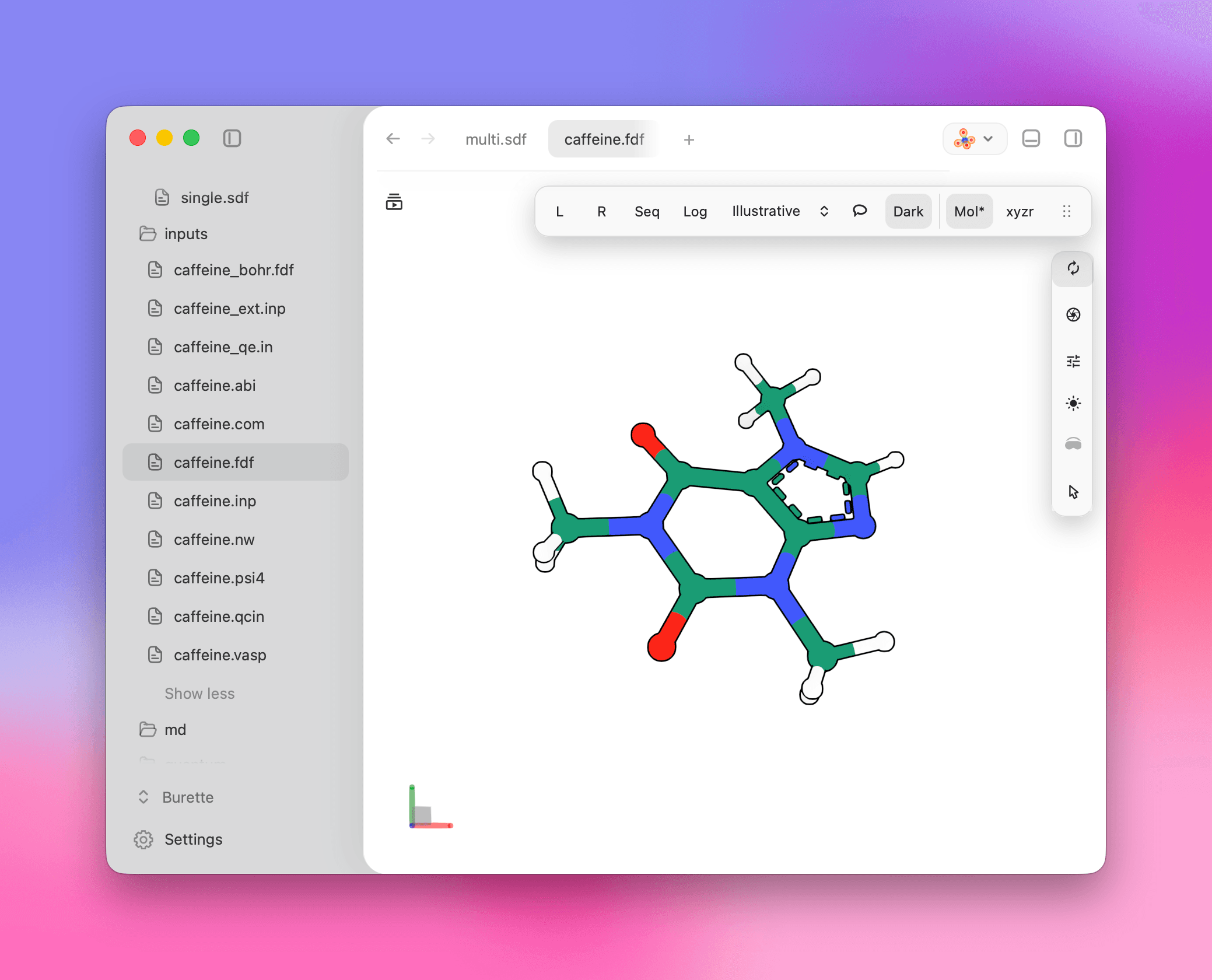
Quick Look is optimized for previewing the selected file. Use the desktop workspace when you need tabs, project navigation, grids, Ketcher, or maintenance panels.
Registration lifecycle
Open Burette once after install so macOS can register the app bundle and preview extension. If the app was replaced or updated, Finder can keep stale Quick Look state until the cache is refreshed.
Refresh Quick Look manually with:
qlmanage -r
qlmanage -r cache
killall quicklookd 2>/dev/null || true
Diagnostics
For normal installs, open Burette’s command palette and run Reset Quick Look. If the problem remains, use Open Logs Folder or Export Diagnostics before reporting it.
For developer builds, the repository uses a BURETTE_DEV_FLAVOR value to avoid colliding with release bundle identifiers and other local installs.